Local Viewing
Open Visio files directly on your device.
Open VSD and VSDX files directly on your iPhone, iPad, or Mac, with no cloud upload required.
- Open VSDX and VSD files
- View files stored on your device
- No cloud upload required
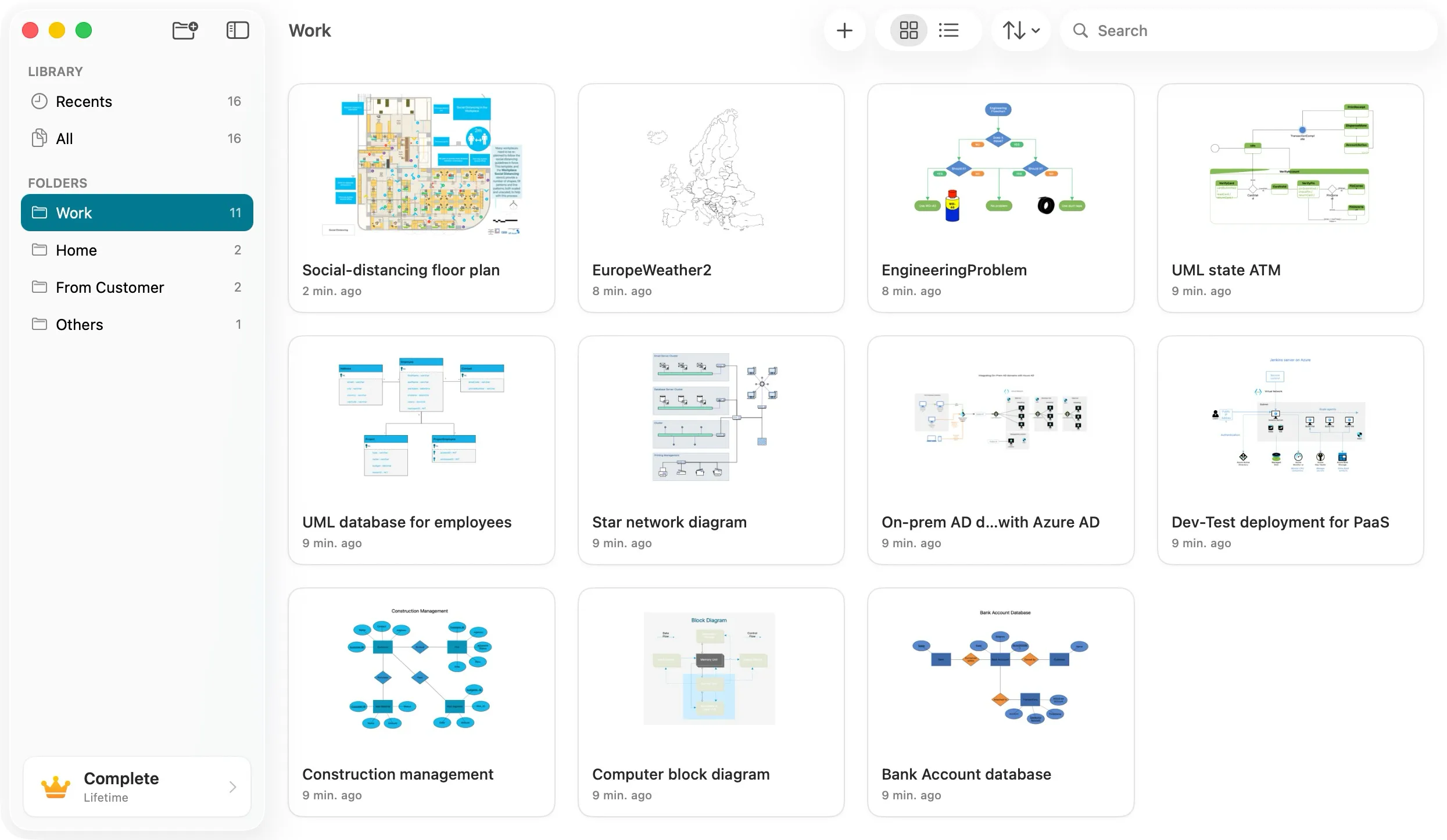
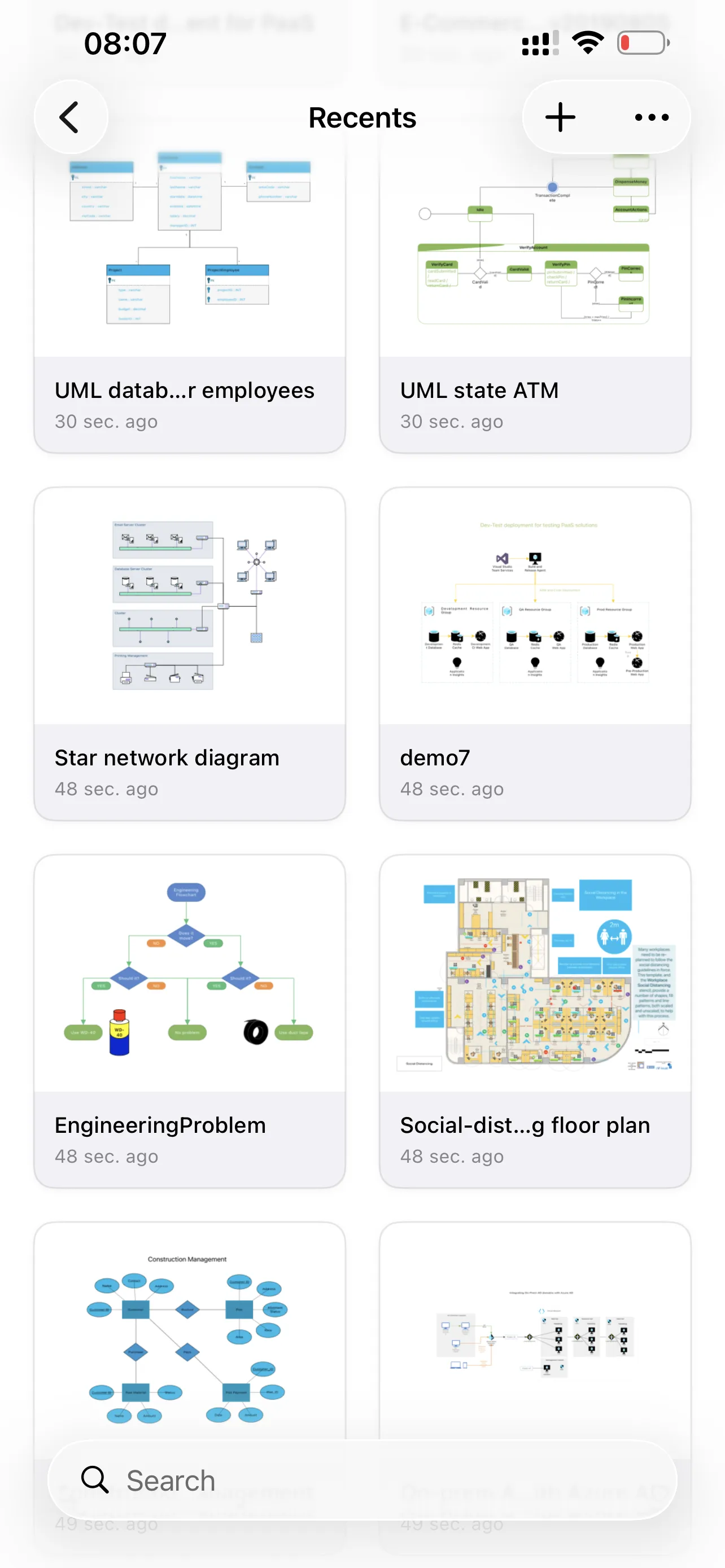

Open and view VSD and VSDX files directly on your iPhone, iPad, or Mac. Kiwa preserves diagram layouts, styles, shapes, and visual details as faithfully as possible, with no cloud upload required.


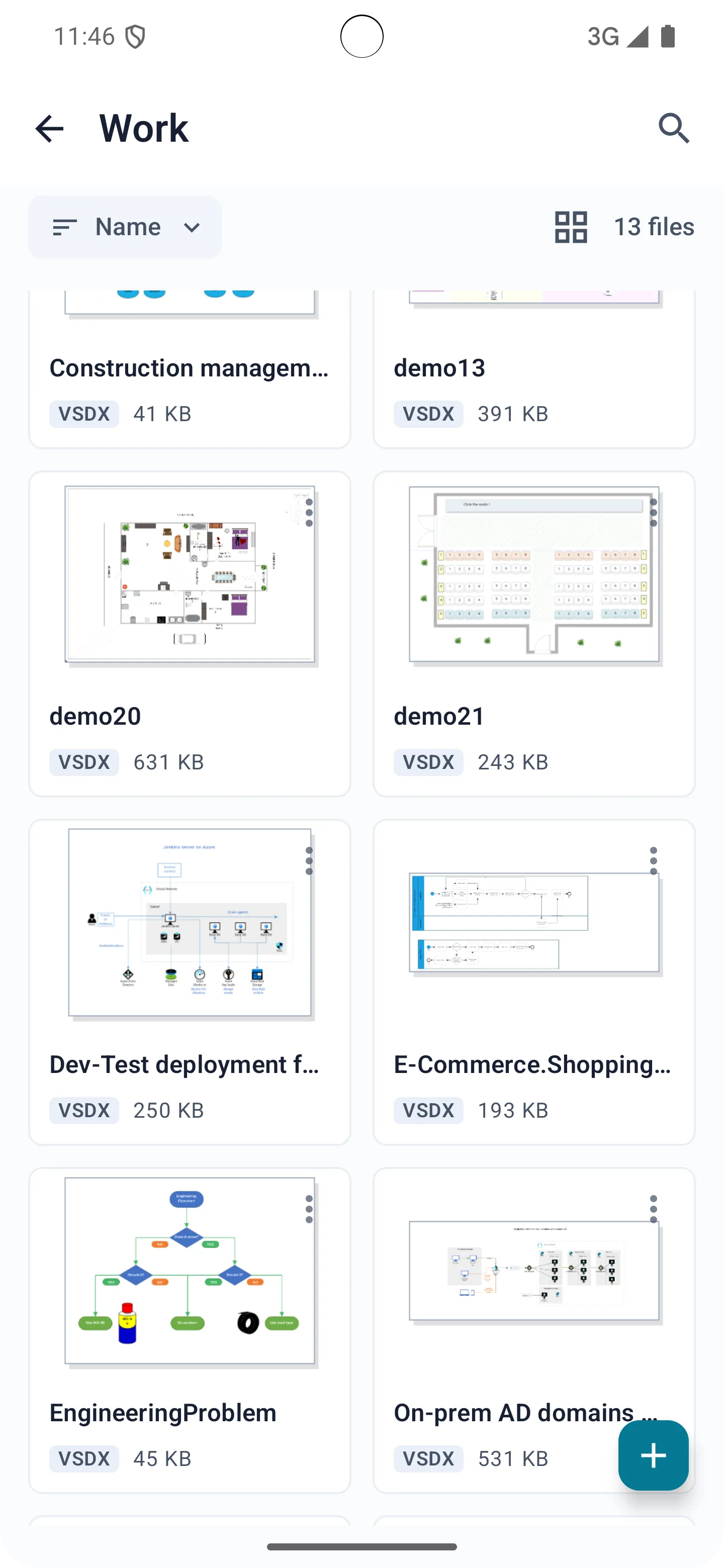


Local Viewing
Open VSD and VSDX files directly on your iPhone, iPad, or Mac, with no cloud upload required.
Faithful Rendering
Render diagrams as closely as possible to their original layout, styles, shapes, and visual appearance.
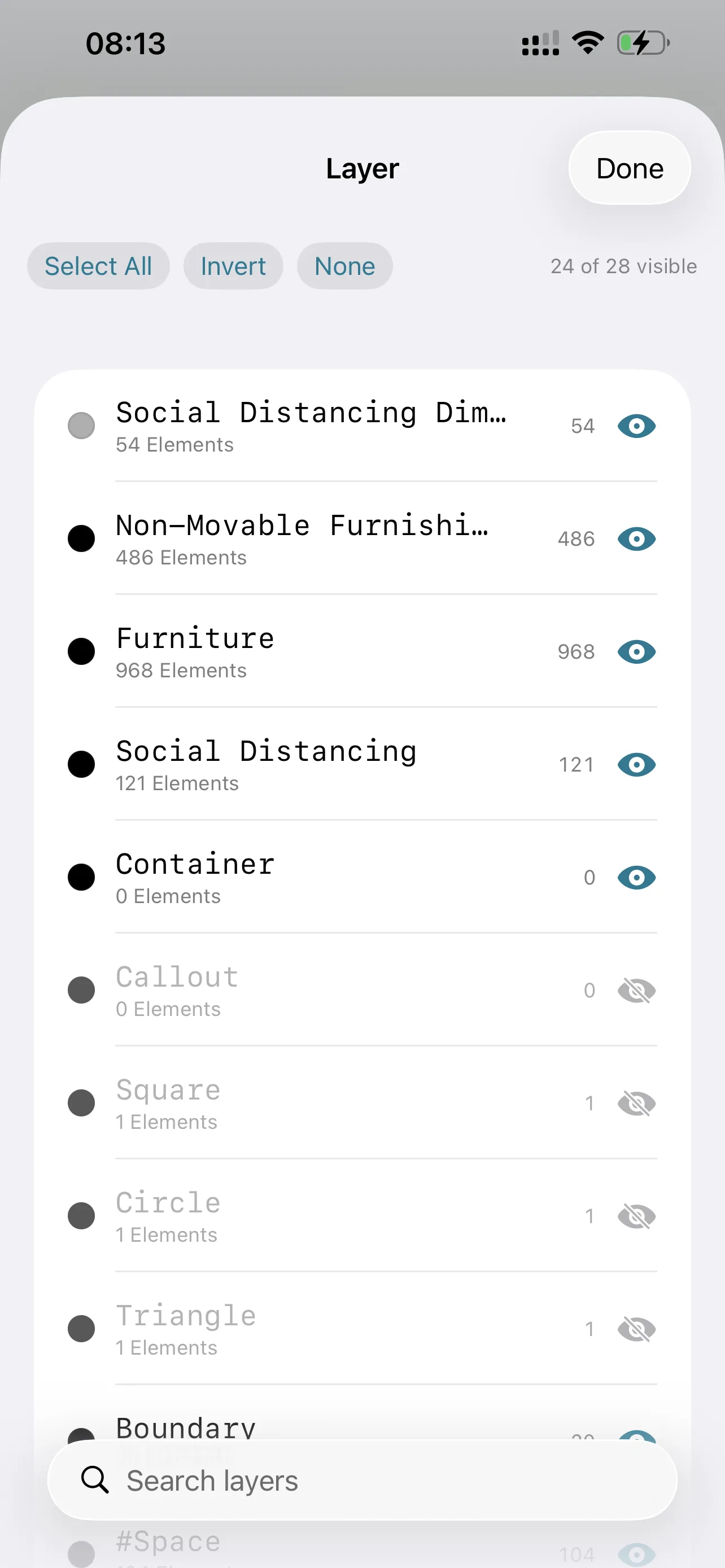
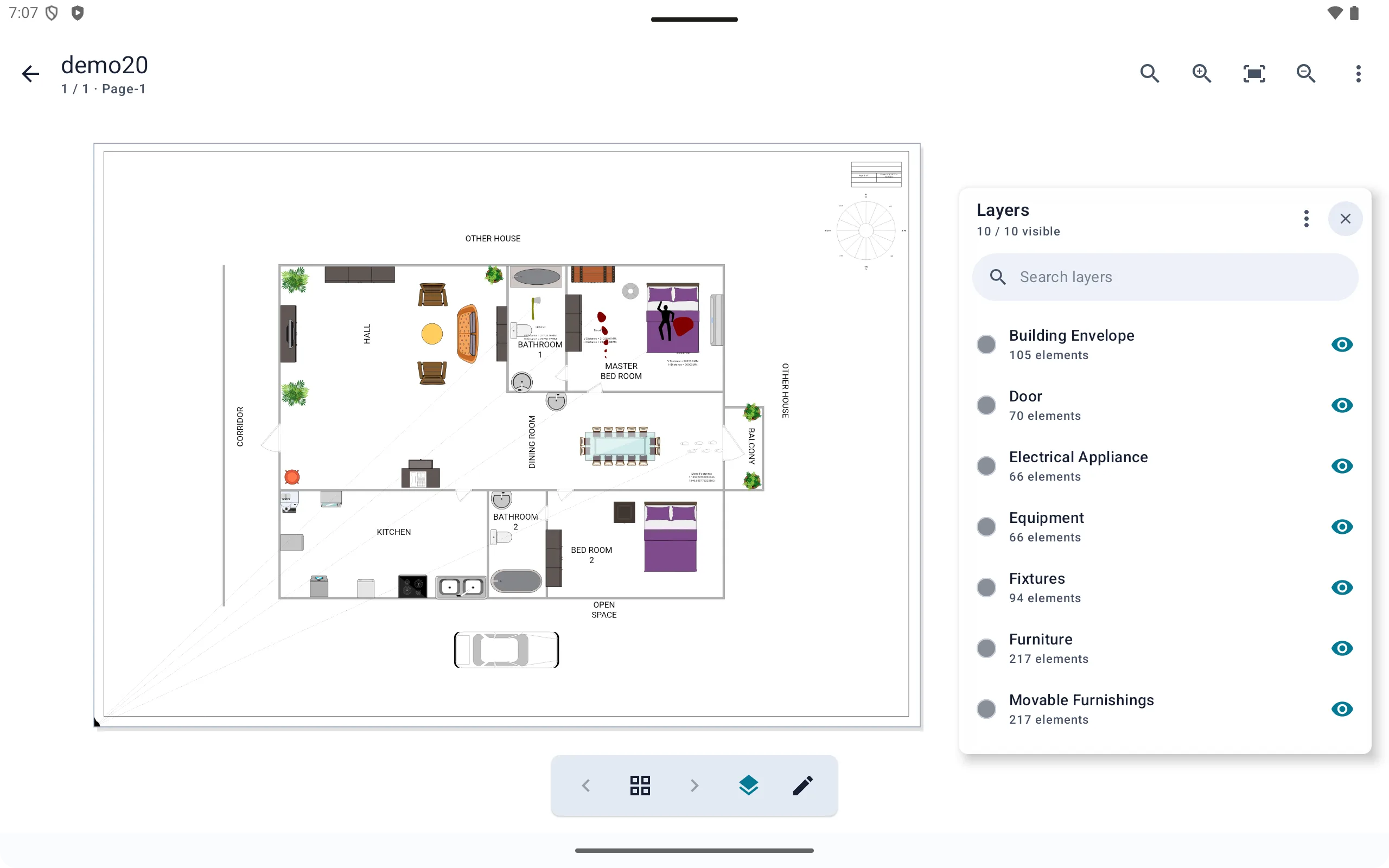
Layer Control
Control layer visibility to simplify dense diagrams and inspect the information you need.
Content Search
Search page text, Shape Data, hyperlinks, and comments, then quickly jump to matching content.


Shape Details
Select a shape to view its Shape Data, hyperlinks, and comments without leaving the diagram.


Embedded Files
View and save files embedded in VSD and VSDX documents directly from Kiwa.


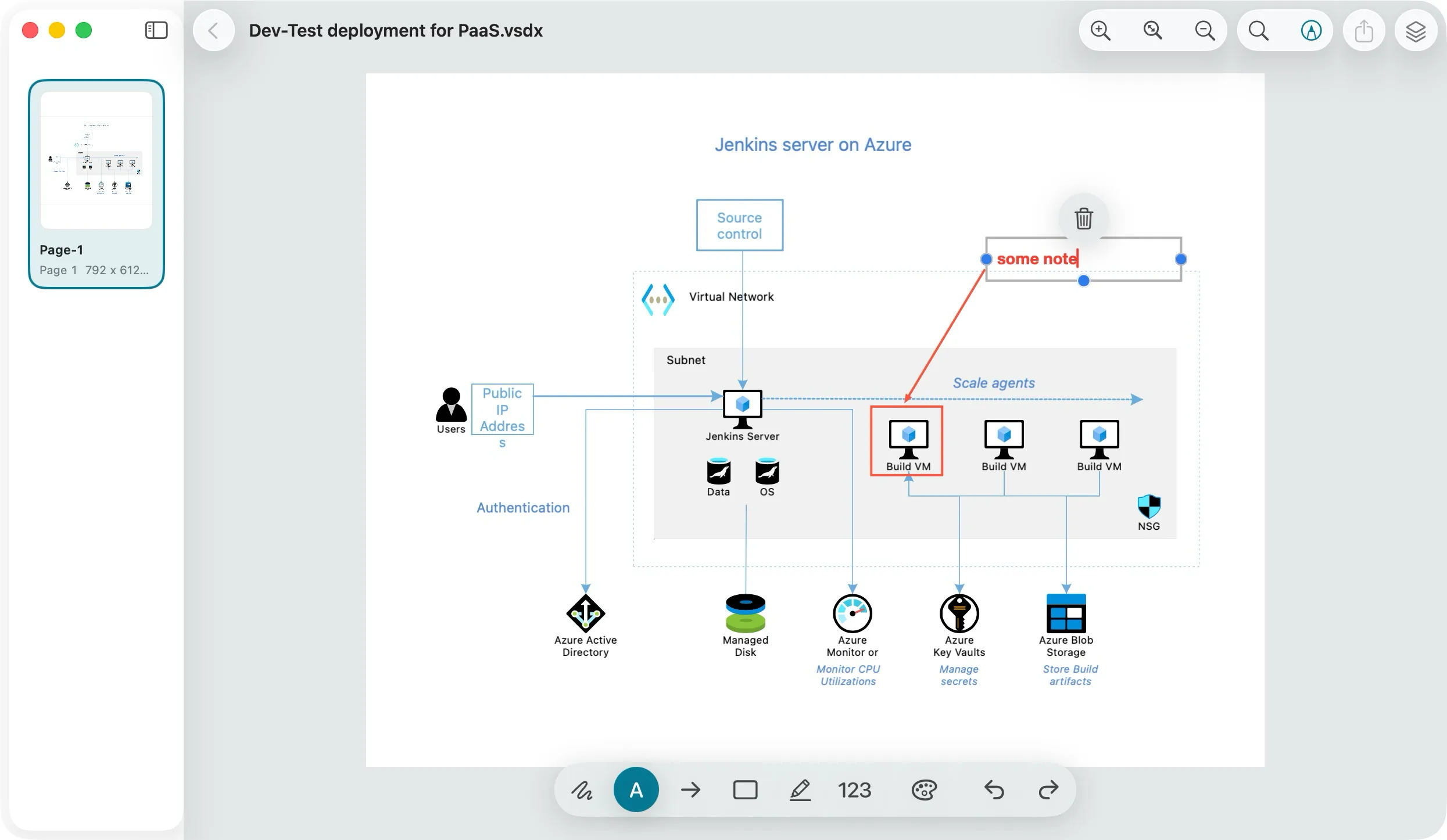
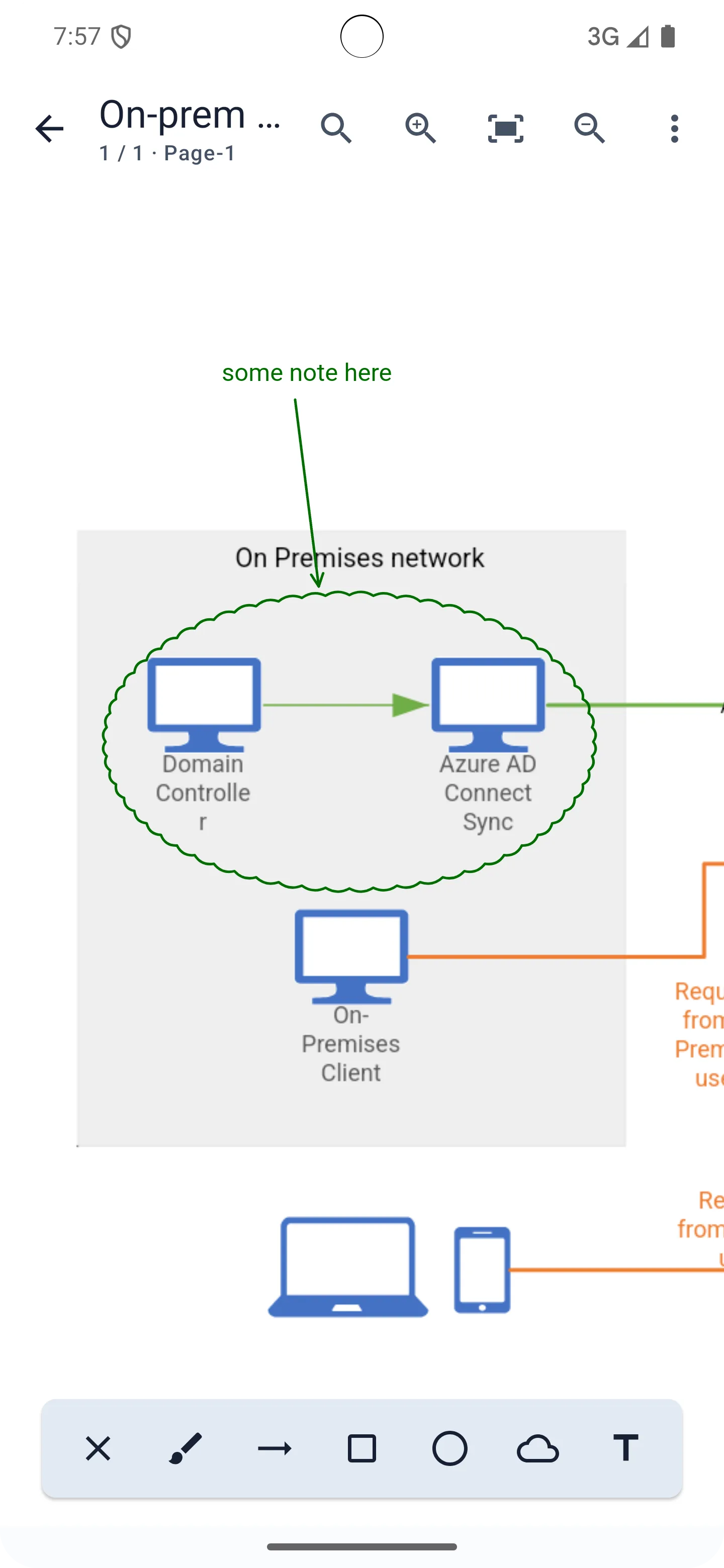
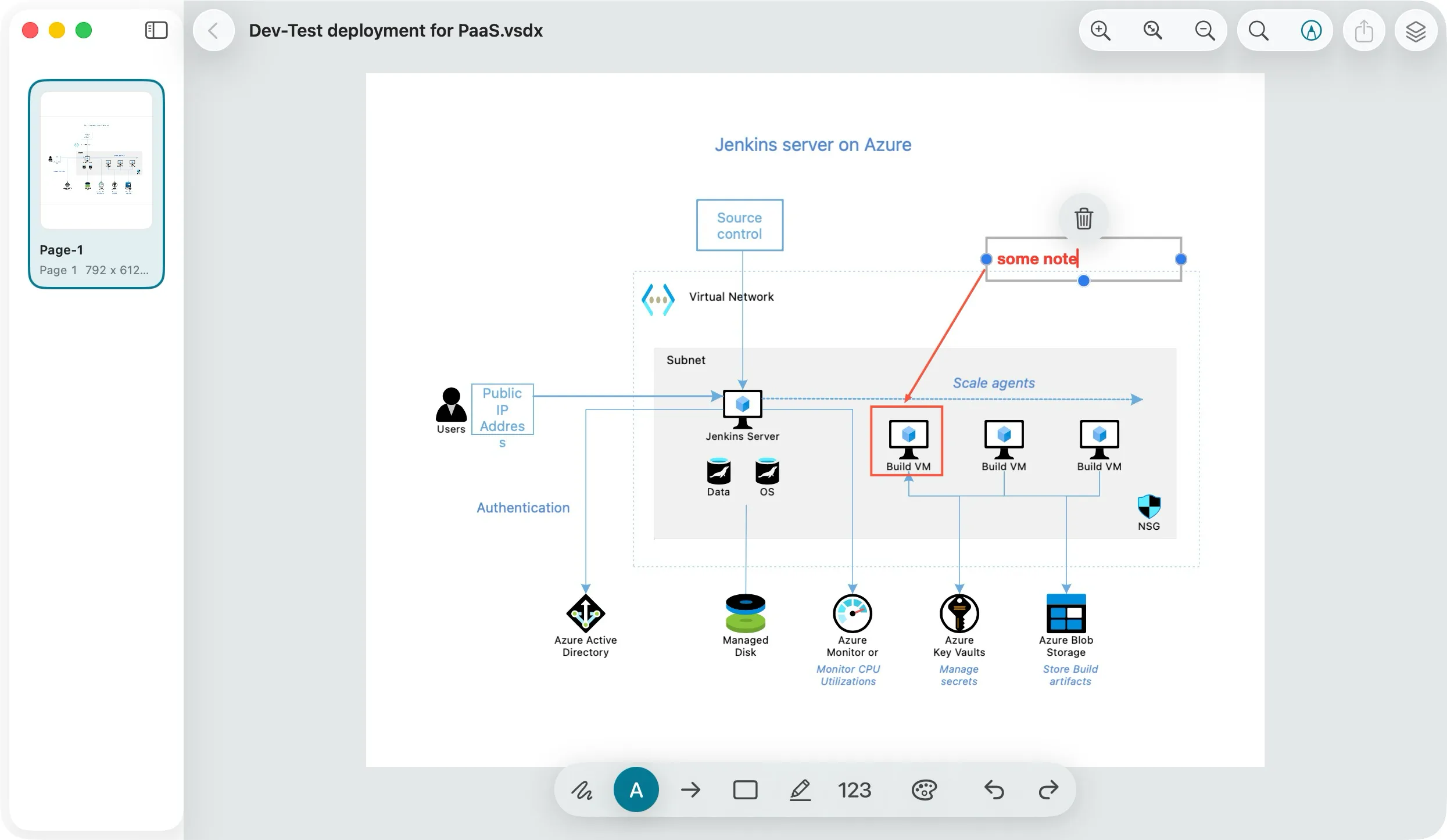
Annotation Tools
Mark up Visio files with practical annotation tools for comments, ideas, and review feedback.
Multi-Format Export
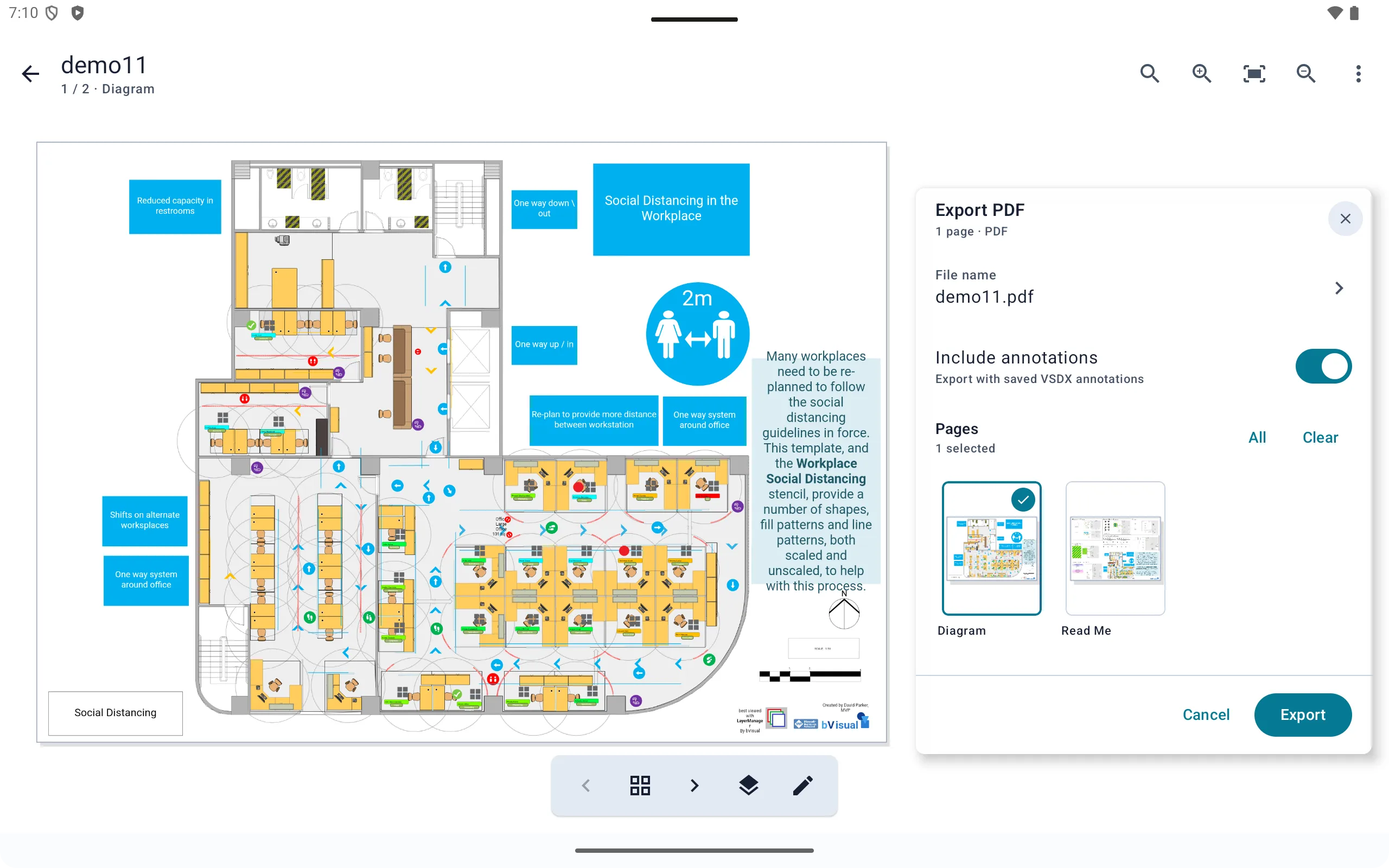
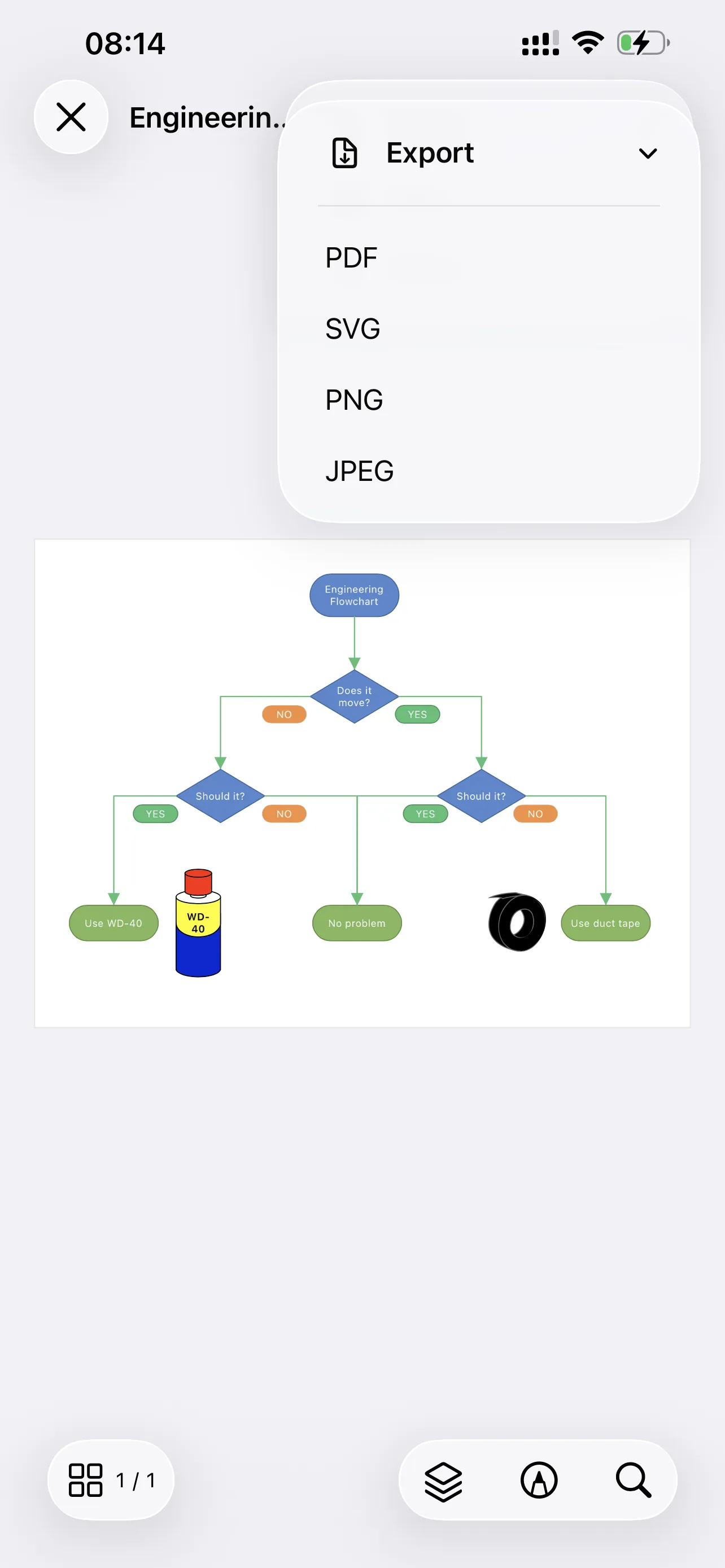
Export diagrams to SVG, PDF, PNG, JPG, and other common formats so they are easy to share or archive.
Kiwa is free for opening and reviewing VSDX and VSD files. Advanced features require Pro access, available through an App Store or Google Play subscription, or as a lifetime Pro purchase.
Kiwa is available on iOS, macOS, and Android.
Kiwa is designed for viewing VSDX and VSD files.
No. Files are loaded and rendered locally on your device, with no account required and no cloud upload.
Yes. VSDX and VSD files already stored on your device can be opened and reviewed locally. Downloading files or accessing external services may still require a network connection.
Kiwa includes faithful local rendering, content search, layer control, shape details, embedded-file access, annotation tools, and multi-format export.
Kiwa is designed for viewing, review, annotation, and export. It is not a full Visio diagram editing or authoring tool.
Visit Support to contact us by email or join the Discord community.
Open VSD and VSDX files locally, inspect every detail, annotate, and export.